Search
Save items to collections
An item collection is a static grouping of items that can be used as search criteria or for other purposes such as creating assignments, adding to exam forms, or sending for review.
On the Search page, you can create or modify collections of items directly from your refined search results. When you perform a search, you can select from the returned items and add them directly to a new or existing collection.
|
|
 Items can belong to multiple collections.
Save items to a collection
- Go to the Search page.
- Search for items by content or comment, Item ID, exhibit ID, or translation group ID.
- Select the checkbox next to the items you want to save to a collection.
- Click Save collection in the search results toolbar.
- In the Save collection modal, you must either save the selected items to an existing collection or create a new collection.
Modify existing collection
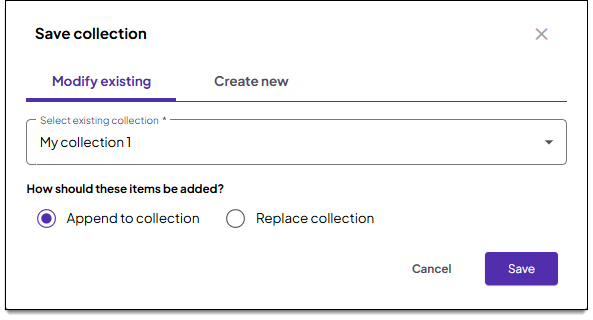
- Select an existing collection from the dropdown menu on the Modify existing tab.
- Select one of the following options:
- Append to collection: Adds the selected items to the collection. (Items that are currently in the collection will not be removed.)
- Replace collection: Replaces all items in the collection with only the items you have selected. (Any items that are already in the collection but not currently selected will be removed.)
- Click Save.
- The collection is now updated and can be managed on the Manage collections page.
Create new collection
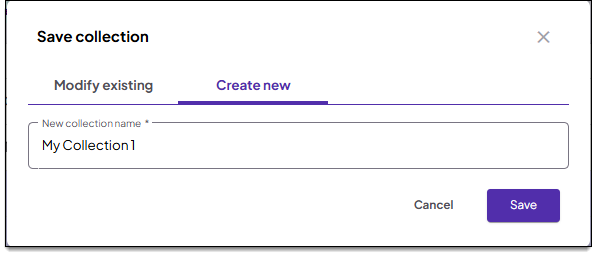
- Click the Create new tab.
- Type a name in the New collection name field.
- Click Save.
- The new collection is added and can be managed on the Manage collections page.